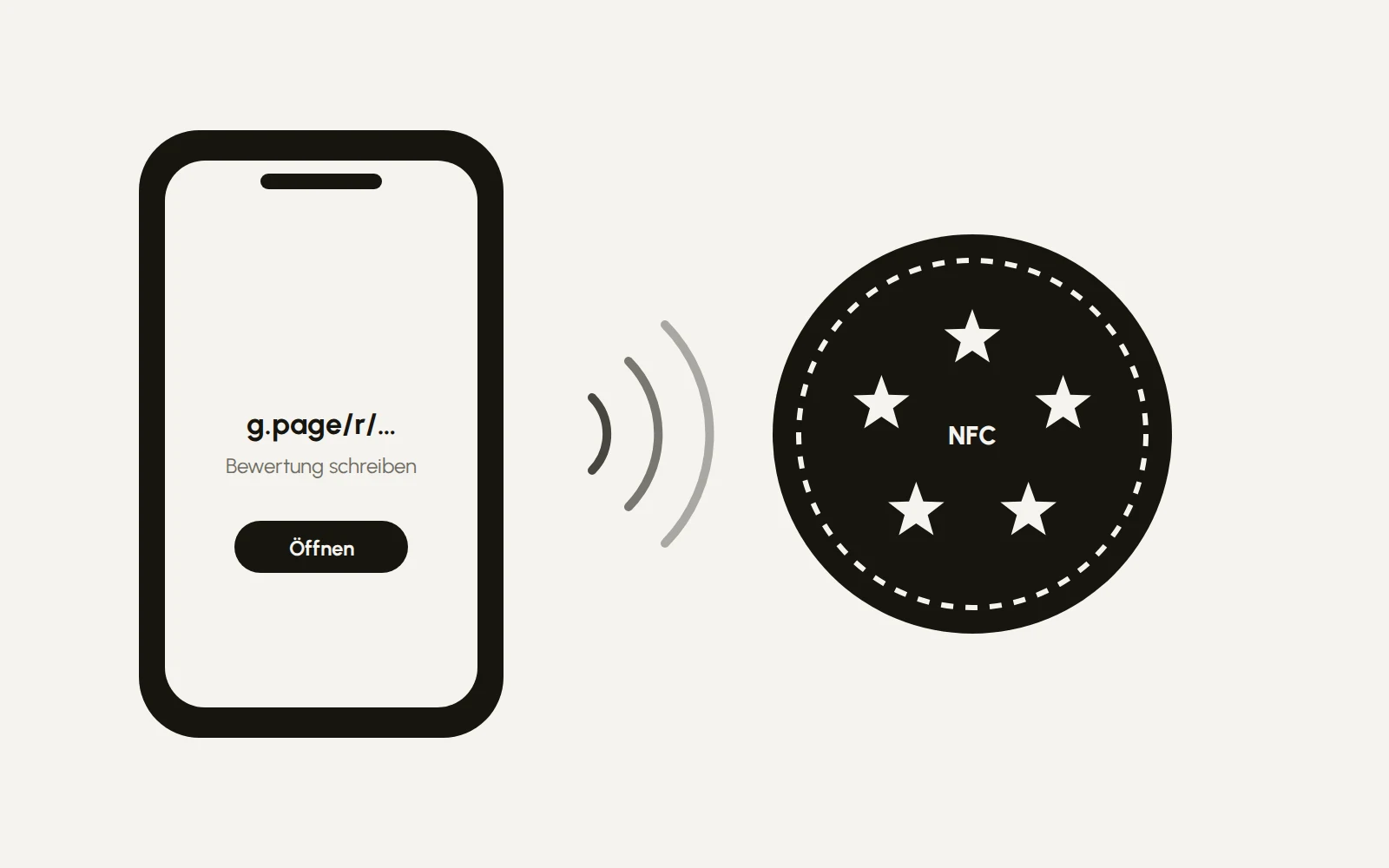
There's a scheme doing the rounds right now: people walk into restaurants, hair salons and medical practices and sell "Google review cards". A card on the table, the guest holds their phone to it, the review page opens. They charge 50 euros and more for it, per card. Behind it is an NFC sticker worth a few euros and a link that Google gives you for free. Here is the complete way to build it yourself in ten minutes, and how to do it better than the card from the door-to-door salesman.
What's really inside
Three parts, nothing more:
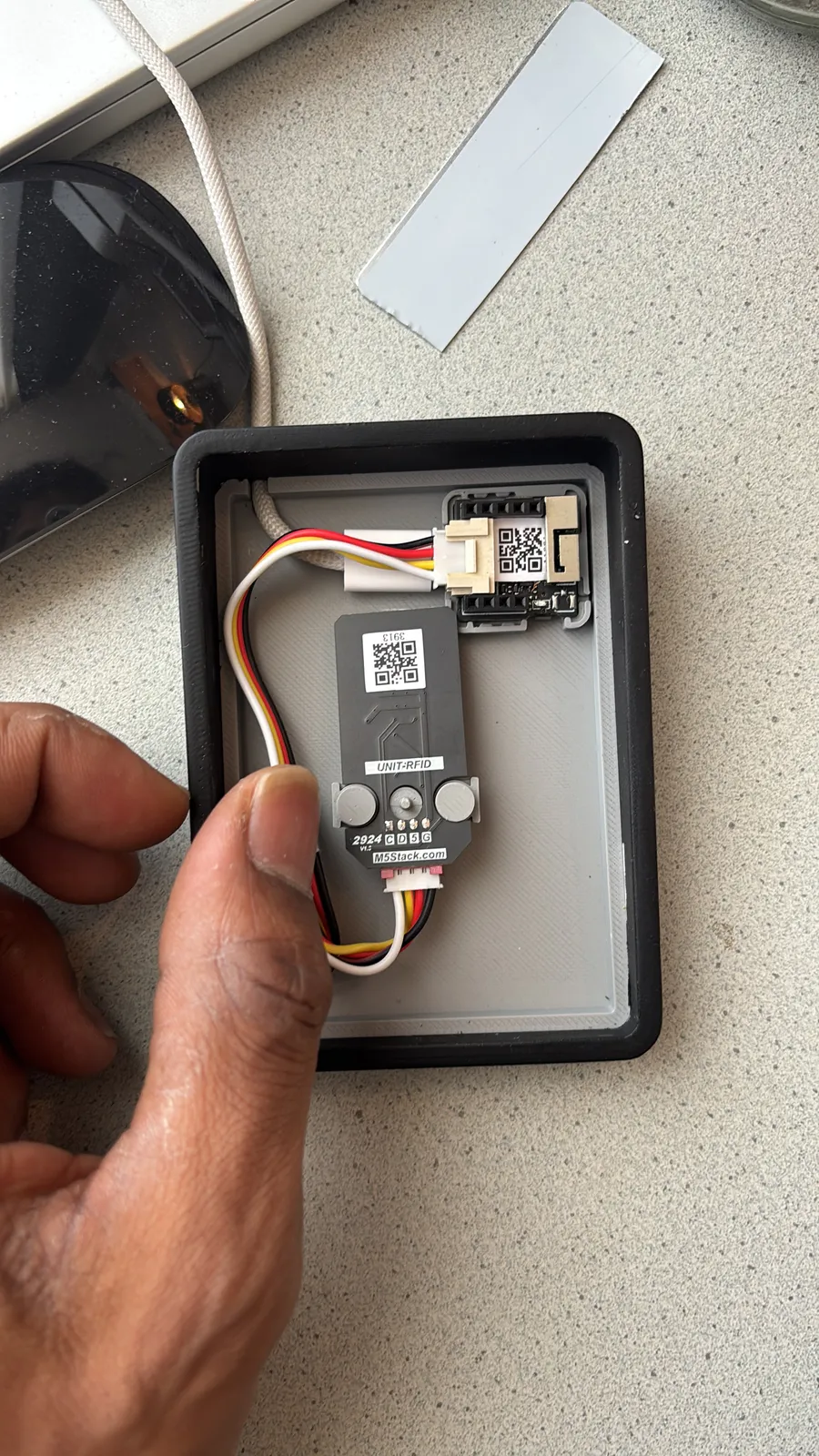
1. An NFC chip. It sits in a sticker or a plastic card and stores a short piece of text, in this case a web address. The common chips are called NTAG213, NTAG215 and NTAG216; they only differ in storage space. For a link, the smallest one is enough.
2. Your review link. You get it in your Google Business Profile under "Ask for reviews". Google shows you a short address there that opens the review window directly.
3. A phone with an app that writes the link onto the chip. Once, and never again.
Your guest's phone doesn't need an app. Newer iPhones and most Android phones read NFC by themselves: hold the phone to the sign, the address appears at the top, tap it, done.
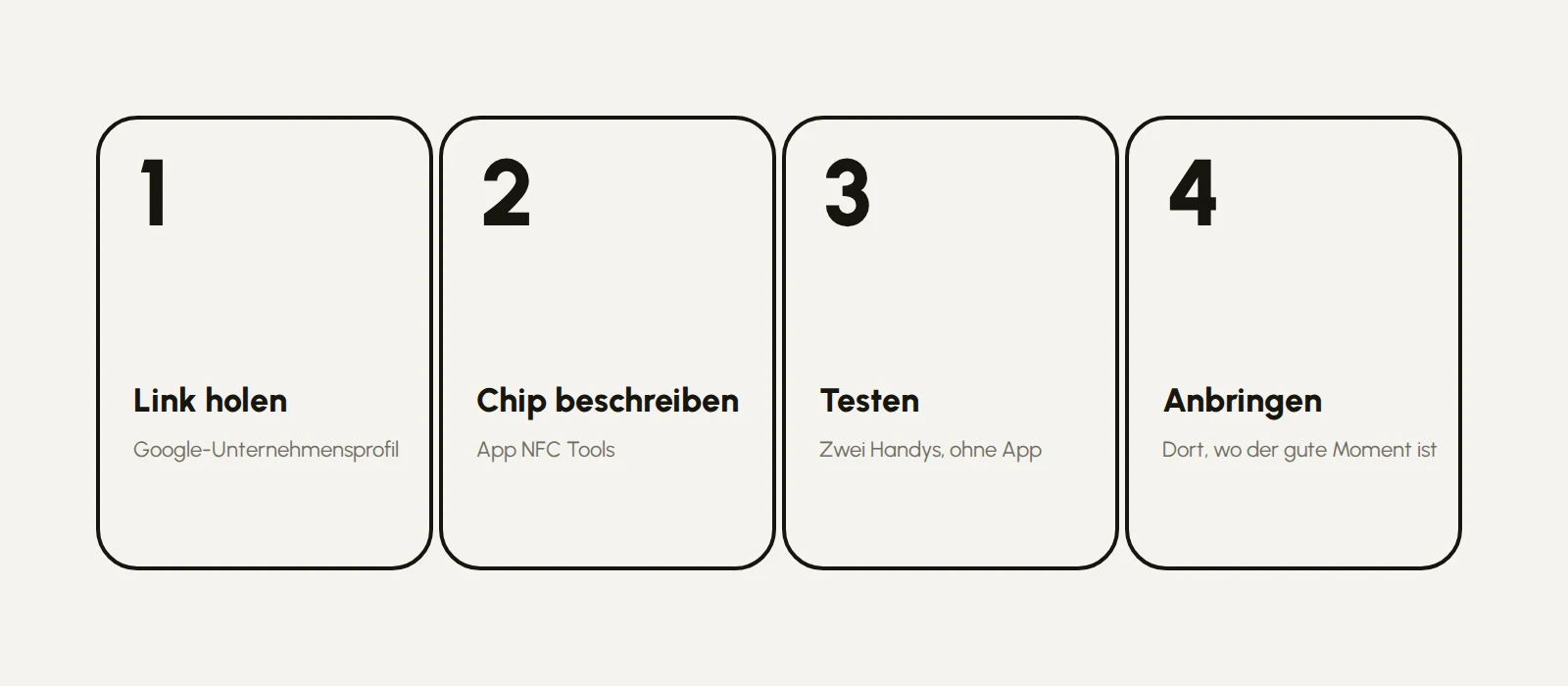
Step 1: Get your review link
Open your Google Business Profile, the same way you do when you update your opening hours. There you'll find "Ask for reviews" or "Get more reviews". Google shows you a link. Copy it into the notes on your phone. Check it once in the browser: it must open the window with the five stars directly, not just your profile.
Step 2: Write the chip
Download the app "NFC Tools", available free for iPhone and Android. Then:
1. Tap "Write".
2. Tap "Add a record", then choose "URL/URI".
3. Paste in your review link.
4. Tap "Write" and hold the sticker to the back of your phone until the app confirms it.
If you want to make sure nobody can overwrite the link later, the app has an option called "Lock tag" under "Other". That's permanent, so test first, then lock.
Step 3: Test
Hold a different phone to the sticker, without any app. It has to offer the review page by itself. Test with an iPhone and an Android device, then you know it'll work for your guests too.
Step 4: Attach it where the good moment is
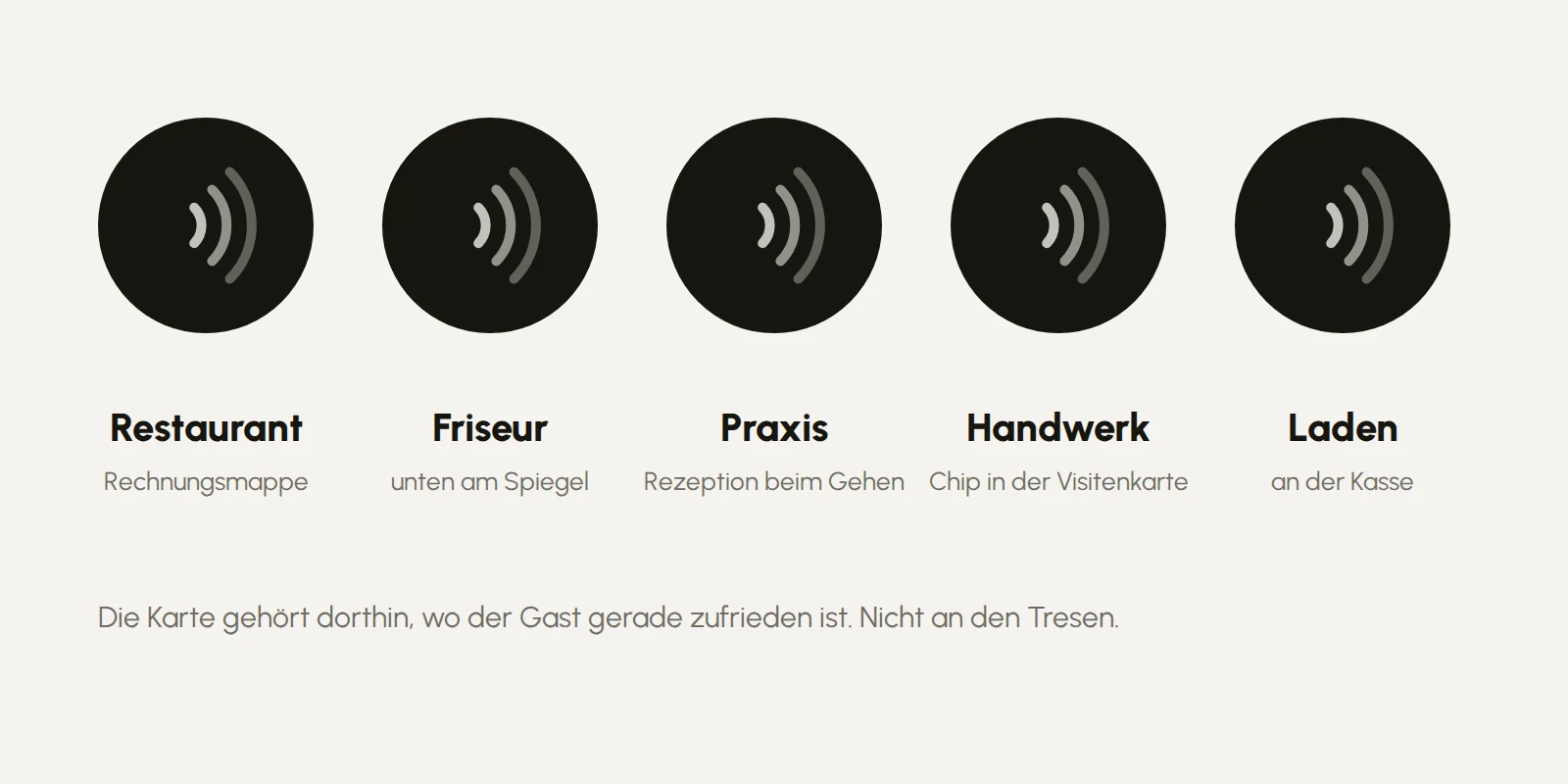
This is the part the sellers leave out, and the part that matters. Nobody sees a card at the counter. Reviews happen when the guest is happy right now:
- Restaurant: in the bill folder, or a small stand that arrives with the coffee.
- Hair salon: a sticker at the bottom of the mirror, exactly where the customer looks at the result.
- Medical practice: at reception when saying goodbye, not in the waiting room. People who are waiting aren't in the mood for stars.
- Tradespeople: the chip in the business card that stays on the table after the job is signed off.
- Shop: at the till, at hand height, or as a card in the bag.
A sticker under the tabletop works too, by the way. NFC goes through wood and plastic, just not through metal.
Better than the card you buy
While you're at it, you can do a few things in the same hour that the salesman's card never can:

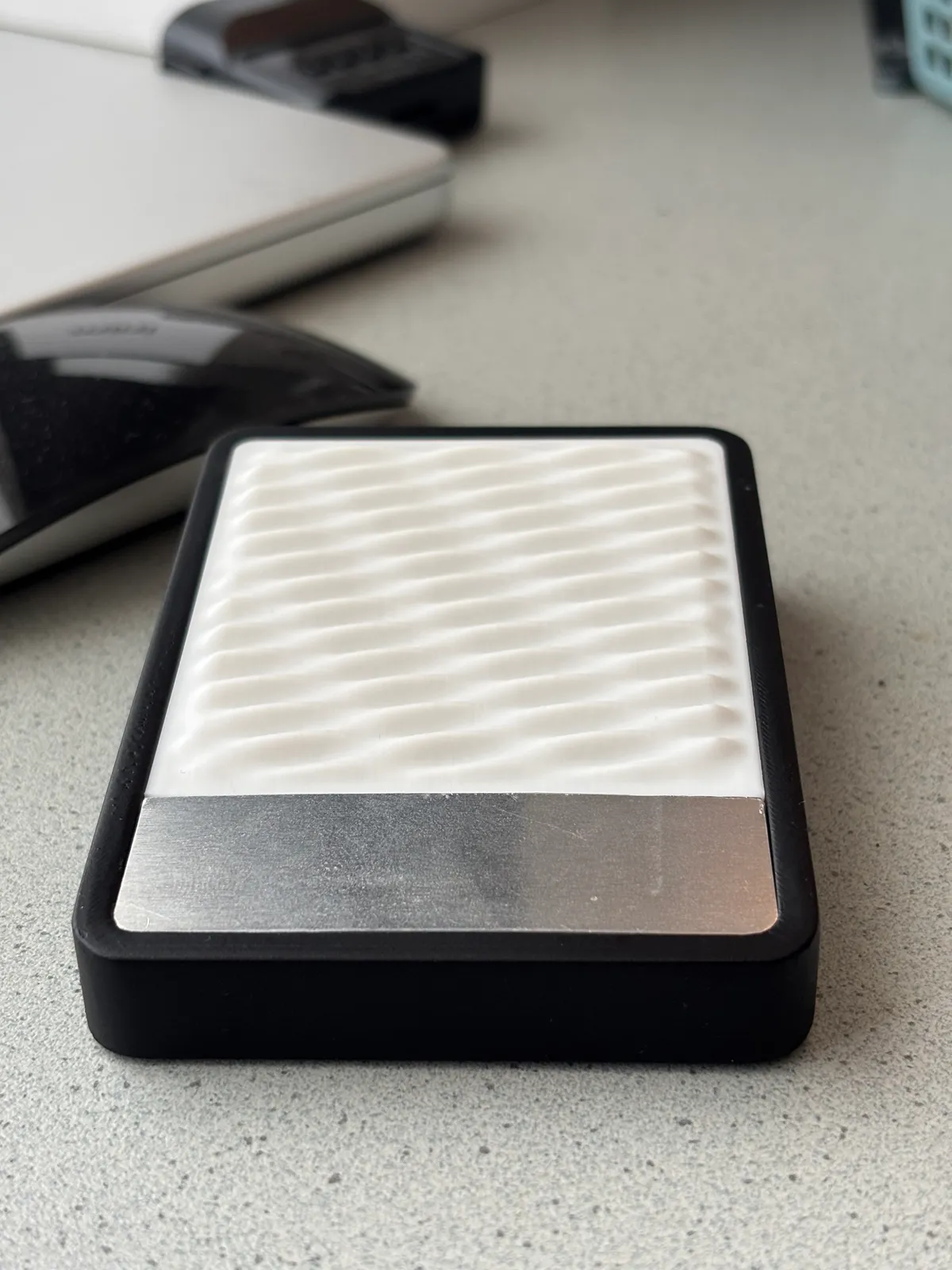
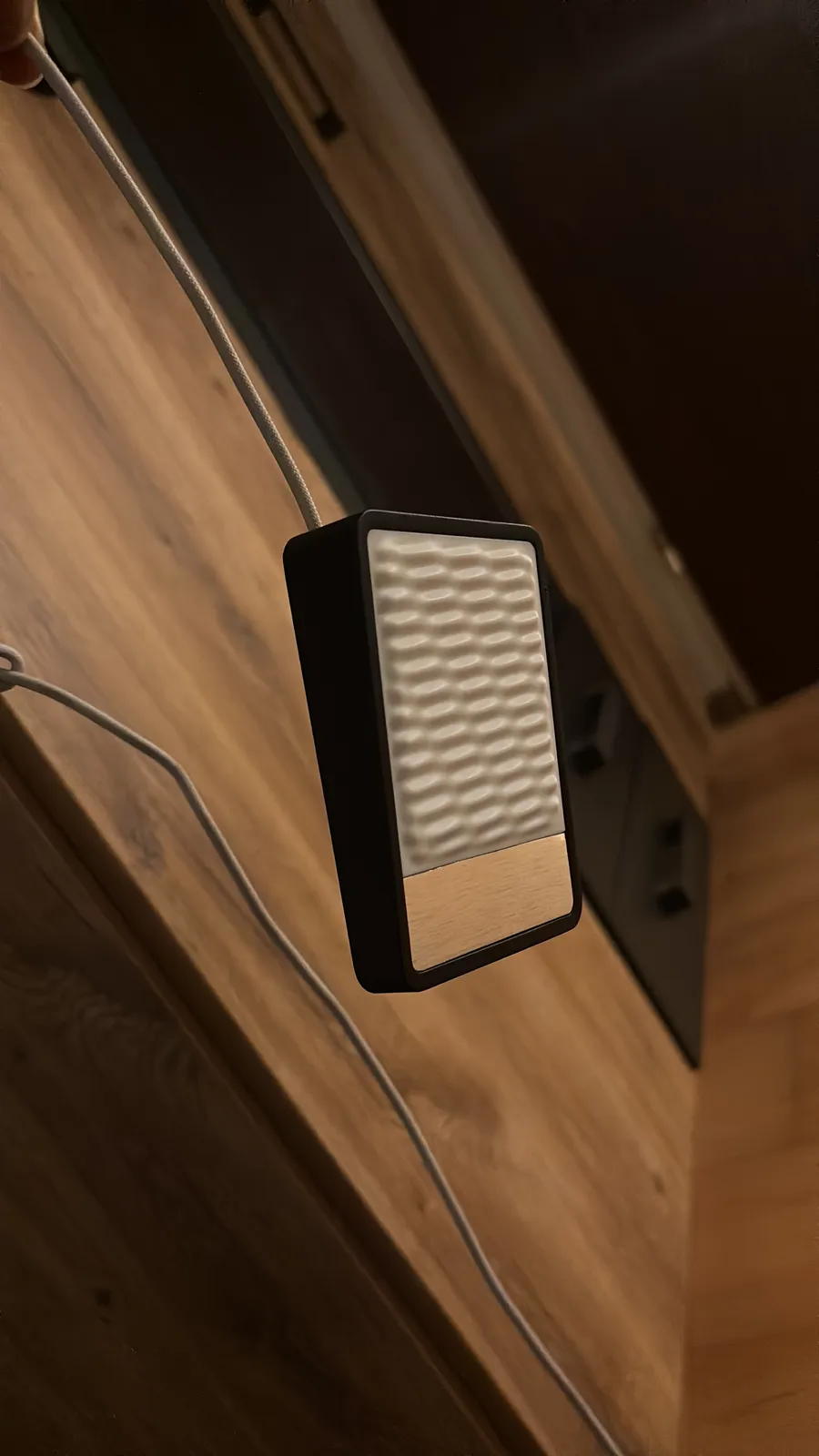
A holder that suits your place. A small stand from a 3D printer costs pennies in material and takes on your shape. If you don't have a printer, every city has a makerspace, or you can order the print online. This is what it looks like when you take it seriously: for Shawarmery I built the NFC reader as a device of its own, with a printed housing, painted and mounted on the wall.
A printed card with your logo. Blank NFC cards can be printed like business cards. The chip sits inside, and on the outside it's your card. That's the moment a sticker becomes part of your brand.
A QR code as a fallback. Not every phone reads NFC, and not every guest knows theirs can. A small QR code next to the chip catches them. Both point to the same link.
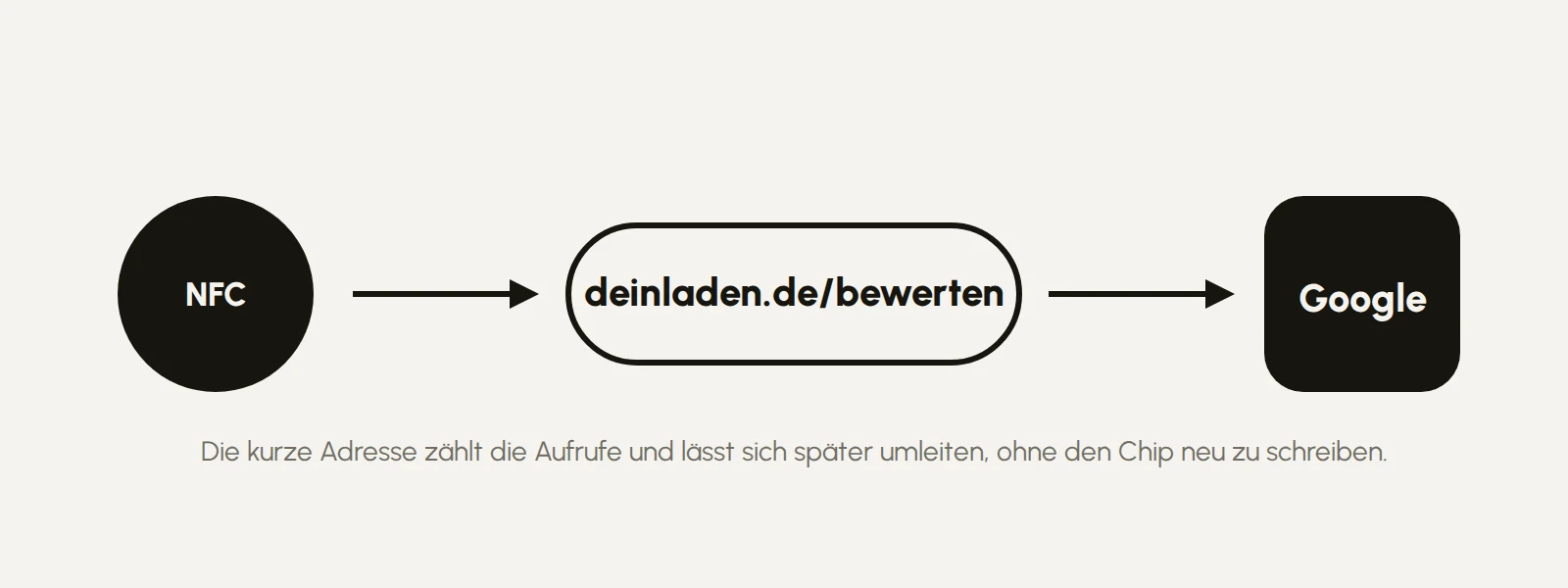
A short address you can count. Instead of the long Google link, you set up a short address of your own, such as yourshop.com/review, which forwards to the Google link. Then you can see how often the card is used, and you can change the destination later without rewriting a chip.
More than one thing. A second chip with the menu, the Wi-Fi password or the booking page costs the same. Once you've understood that a chip is just a link, you'll see places for it everywhere.
What you need to know before collecting stars
Google prohibits offering anything in return for reviews: no discount, no free coffee for five stars. And Google also prohibits steering only happy guests to the card and unhappy ones somewhere else. The card may invite, not filter. If you stick to that, you have nothing to worry about. If you buy into the filtering scheme, you risk Google deleting your reviews.
The shopping list
- NFC stickers, NTAG213 or NTAG215Ad link; a pack of ten is enough for all your tables.
- Blank NFC cardsAd link, if you want to print them.
- The NFC Tools app, free.
- Optional: a holder from a 3D printer, or a print shop for the cards.
All together it costs far less than what they charge for a single card, and at the end you have ten of them, in your own design.
If you'd like it designed for you
Card, holder, stand, all in the look of your place, with your logo, printed and set up: that's a small job I'm happy to do. Start a project: five questions, and you get a quote.