I often keep working on my phone late at night. Usually not on big things, but on the small ones: a login for a client, a link someone needs, a code from an email. For all of that I copy things back and forth constantly.
If you do this often, you know the problem. The iPhone remembers exactly one thing. If I copy the username first and then the password, the username is gone. So it's back to the other app, copy it again, and back once more. With three or four items, it turns into endless switching.
At some point I'd had enough. That's how Crown&Paste came about: a keyboard for the iPhone that remembers everything I copy and gives it back to me in the order I need it.
How it works
First I copy everything I need, one after the other: the web address, the username, the password, the code. Crown&Paste puts the entries in a stack and numbers them in order.
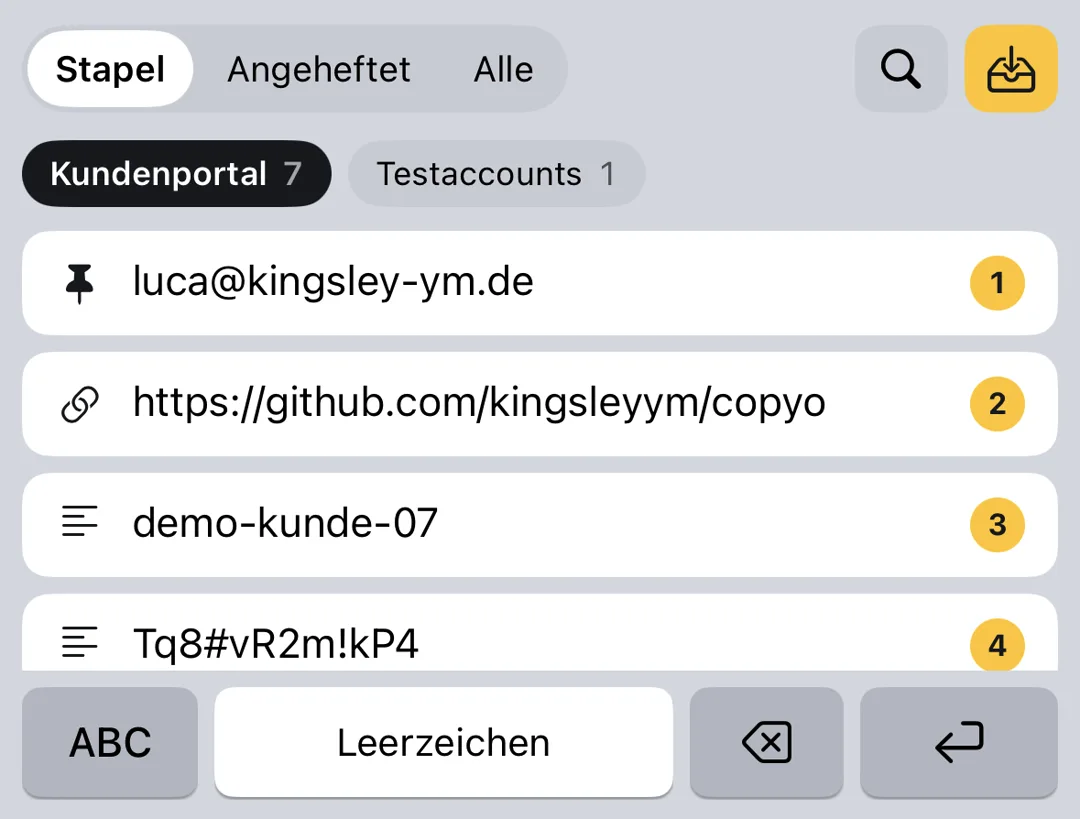
Then I switch to the app where I need them. The first entry sits above the keys. One tap and it's pasted, then the next one is up. Pasted items aren't deleted, they're ticked off. That way I can find them again later in the history.
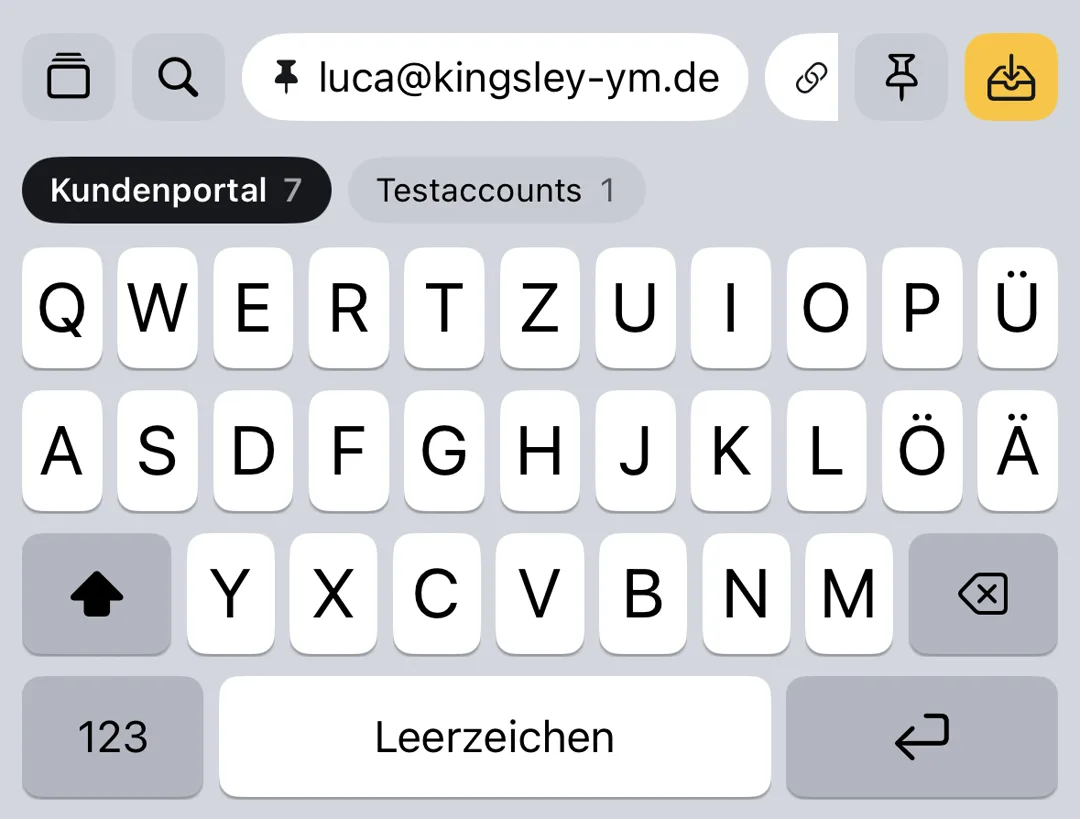
Crown&Paste is a full keyboard. So I don't have to switch keyboards to paste: typing and pasting happen in one place.
What else is in there
A few more things make copying easier:
- Stacks by project, for example one for a client and one for test accounts. You can switch right inside the keyboard.
- Pinning for anything I need again and again, and a search that finds things even without accents.
- One tap turns "User: anna / Password: …" into two entries, another strips tracking parameters from links.
- Keys and tokens only show up masked in the list.
- Widgets for the home screen and lock screen, a button in Control Centre, the Action button, Shortcuts and Siri.
What isn't in there
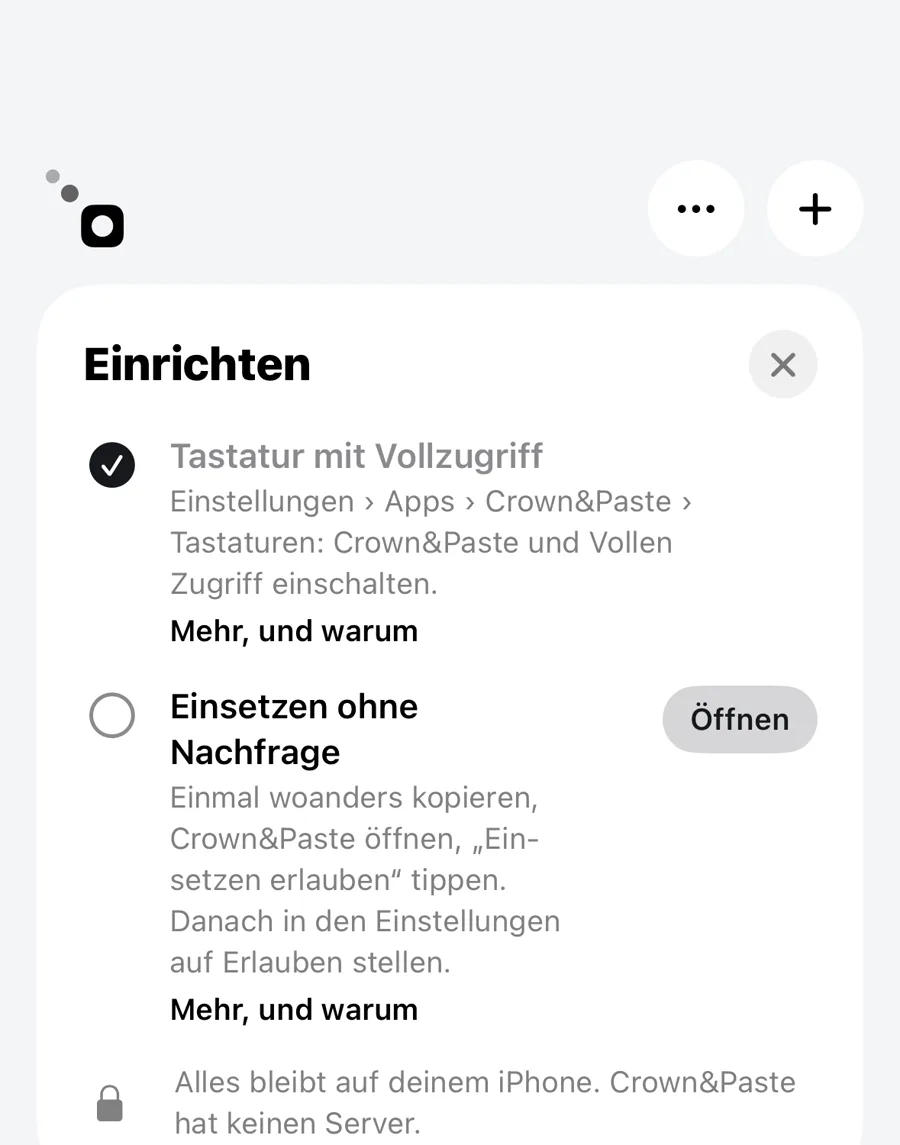
Crown&Paste has no server and no account, and there is no tracking. What I copy stays on my iPhone. Passwords that a password manager marks as hidden are never saved by the app. That mattered to me, because the clipboard is exactly where the things end up that nobody else should see.
Try it
Crown&Paste is free and currently in beta on TestFlight; the App Store version follows soon. You can join the beta from the Crown&Paste page.
Everything about Crown&Paste, with a small demo you can tap through