My TikTok account is old and small, a little over a hundred followers. I wanted to go live, but not just talk into the camera. So I built a game where the viewers play the lead.
The idea
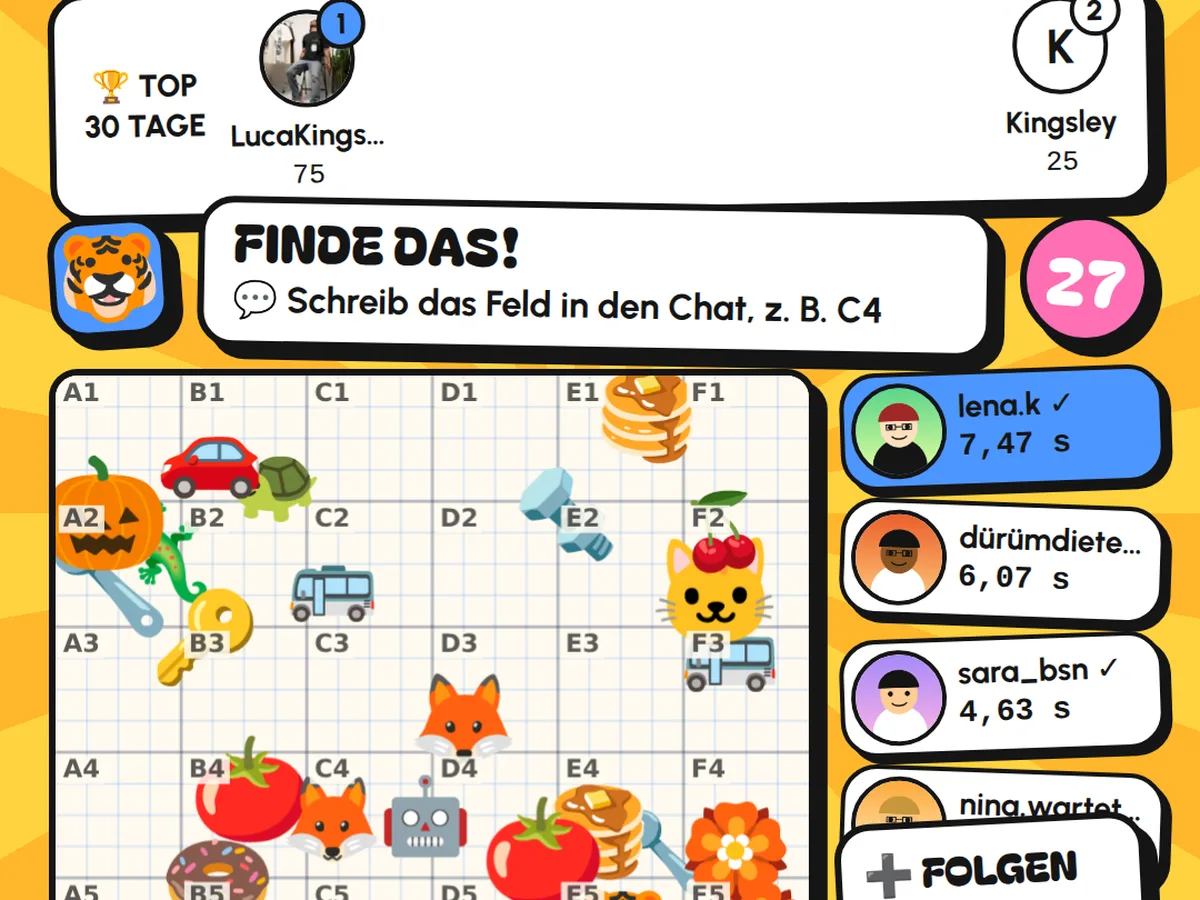
The screen shows a grid from A to F and 1 to 6, full of small pictures. In the top left you see what you're looking for. Whoever finds it writes the square in the chat, for example "C4". The fastest end up on the leaderboard with their profile picture, and anyone who follows me during the Live gets ten bonus points.
Not every round is a search. In between there's counting, or you have to find a person again. Anyone without TikTok open can play along on their phone at kingsley-ym.de/live, with just a nickname and no account.
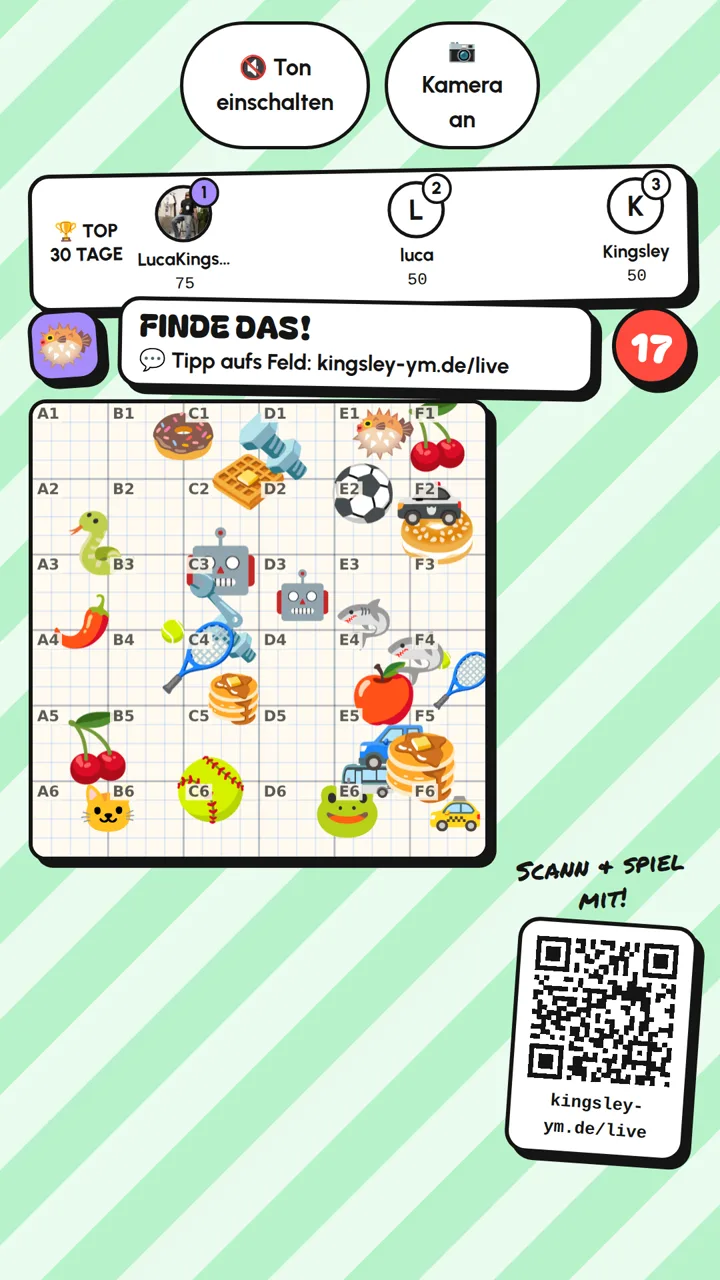
A search round as it appears in the Live. At the top the leaderboard for the last 30 days, bottom right the QR code to join in.
The first mishap: answers that never arrived
There is no official way to read along with the chat of a TikTok Live. I use a freely available library for this that hooks into the Live and passes on every comment.
In the first test I wrote an answer in the chat myself, and nothing happened on screen. The comments did arrive, but without text and without a name. The reason was mundane: the library's documentation describes the comments differently from how they actually arrive. I was looking for the text in the wrong place. Since the arena checks both places, every answer counts.
The second mishap: silence
The second attempt worked. Answers came in, points were handed out. Then TikTok ended the Live and banned me. The reason: no sound, no face, just a picture. To TikTok that looks like a stream nobody is looking after, and Lives like that aren't allowed there.
Since then the arena has two buttons, which you can see at the top of the picture:
- Turn on sound. The arena creates its own sound in the browser: a quiet basic rhythm so the Live is never silent, plus short signals for the start of a round, the countdown, a correct answer and the winner. No third-party song, so nothing TikTok could block as someone else's music.
- Camera on. The camera picture appears as a round sticker in the middle of the game. That way there's a person on screen.
The third part is something no technology can do for you: talking. Reading out names, commenting on close rounds, replying to the chat. Only that turns a game into a Live.
What's next
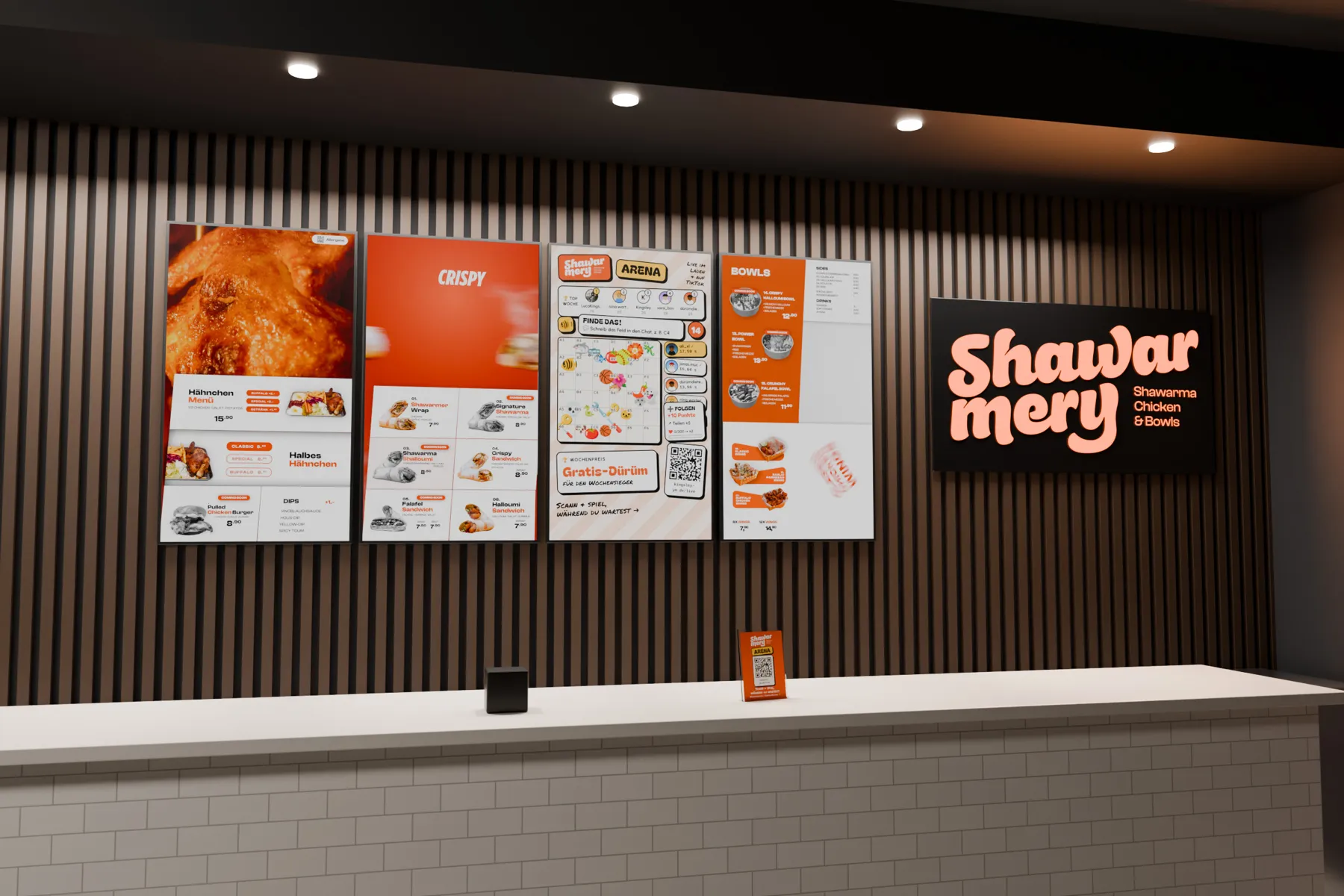
The same game fits on a screen in a restaurant: guests play while they wait, and the restaurant is live at the same time. What that can look like is in A game on the digital menu board.
You can try the arena on my site at any time: kingsley-ym.de/live.